 AI generated
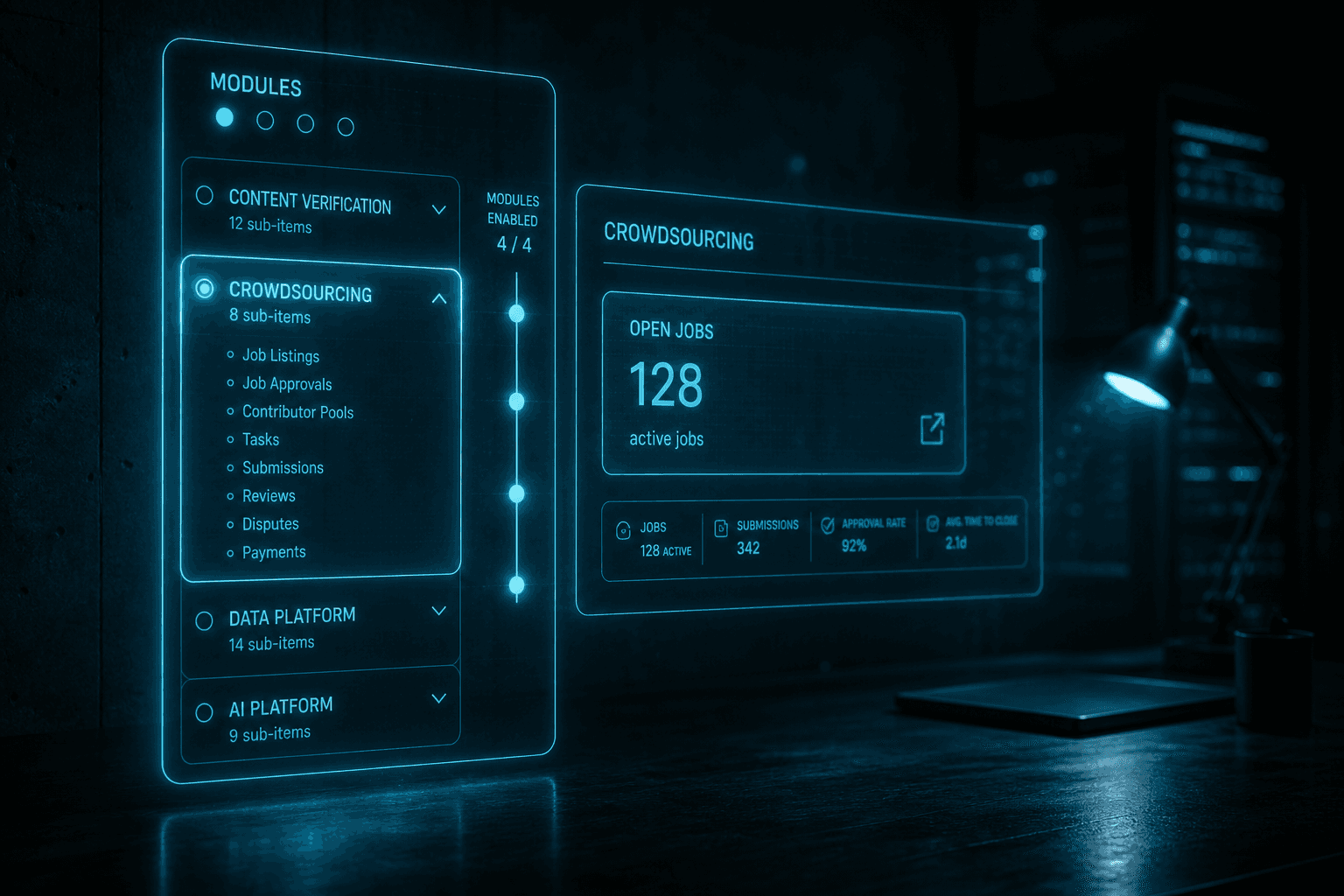
The platform-v2 sidebar was reorganised around modules in late July 2026. The previous navigation grouped everything into a single long list of features; the new navigation splits the sidebar into four collapsible module groups, and only the modules your organisation has enabled are visible. If your organisation only has Content Verification and Crowdsourcing enabled, those are the two groups you see. If you have Data Platform and AI Platform too, the sidebar grows by exactly those two groups.
The change is the most visible UI rework of platform-v2 since the platform-v2 rewrite. Most users will not notice anything different on the surface — the actions they took yesterday are still in roughly the same place — but the navigation layout now reflects the actual product surface area. The sidebar is no longer a single large inventory; it is a set of module views, each with its own sub-navigation, and the tabs at the top of each module give you the same switching experience across the four.
This is also the change that prepares platform-v2 for the multi-platform story. The Crowd Platform, the Data Platform, and the AI Platform each got their own landing pages on the marketing site in the same period; the module-based sidebar is the operator-side reflection of that. The marketing site describes the three platforms as products; the platform UI now describes them as modules, and the labels match.
The platform-v2 sidebar exposes four modules. Each one corresponds to a distinct operational surface and, for the three platforms, to a distinct product page on the marketing site.
Content Verification is the module for the verification pipeline runs that produce the verdicts Crowdee is best known for. Inside Content Verification, you create runs, monitor in-flight jobs, review the output, and pull the final analytics. The same dashboard that drives the free public /content-verification tool is the dashboard operators see when they run a verification pipeline at scale.
Crowdsourcing is the module for the Crowd Platform side of the house. Inside Crowdsourcing, you author task templates, manage input data, run jobs against your panel, review the answers, and accept or reject. The full operator surface of the Crowd Platform is reachable from this module group.
Data Platform is the module for the dataset work that feeds every other module. Inside Data Platform, you create datasets, upload files, run cleaning and language-tech pipelines, deduplicate, and version the result. The versioned dataset is what every other module consumes; the operator flow for "what just happened to this dataset" lives entirely inside this module.
AI Platform is the module for the finetuning work that turns a labelled dataset into a model. Inside AI Platform, you pick one of the six supported open-source base models, point at a Data Platform dataset version or a Crowd Platform job's accepted answers, run a LoRA finetune, and benchmark the resulting model with the crowd. The model registry, the base-model catalog, and the finetune-run history are all inside this module.
Modules are an organisation-level setting. Each tenant has an enabledModules list that determines which modules appear in the sidebar at all. The list is exposed as a PATCH endpoint, edited from the admin section, and the change is reflected in the sidebar on the next page load. There is no per-user toggle; the module view is the same for every user in the organisation.
The default for new organisations is to enable all four modules. Existing organisations kept the modules they were already using, with Data Platform and AI Platform added if the tenant had any dataset or model activity. The combination of "default-on for new tenants" and "preserve existing usage for established tenants" means the typical operator sees the same sidebar they had before, plus the new modules where they have data.
The audit trail is straightforward: every change to the enabled-modules list is logged with the actor, the timestamp, and the diff. The sidebar is a runtime reflection of the configuration, not a hand-maintained list, so the operator UI and the audit trail never disagree.
The decision to scope modules at the organisation level rather than the user level is a deliberate one. The four modules map to product surfaces that have separate billing, separate compliance posture, and separate operator training needs. If you have licensed the Data Platform, you have paid for a piece of infrastructure with a different cost structure than the Content Verification pipeline runs; the sidebar should reflect that the operator is being trusted with a different surface.
The same scoping also avoids the failure mode of a partially-configured user. A user who has the AI Platform module visible but lacks the data to actually run a finetune is a UX trap, not a feature. The module being visible at the organisation level means "the organisation has decided this is a surface we operate," and the operator never sees a module they cannot use.
For tenants that want a finer-grained split, the per-user permissions inside each module still apply. A reviewer in a Crowdsourcing job can see the job, accept or reject answers, but cannot edit the task template. The module-level gate is the outer surface; the per-user RBAC is the inner surface. Together they let a typical newsroom have a senior editor with the full sidebar, a moderator with only Crowdsourcing, and a guest contractor with only the specific job they were assigned.
The module-based nav is the operator-facing surface for the three-platform story. If your organisation runs Content Verification, the verification output is the deliverable. If you add Crowdsourcing, you can run your own panel jobs instead of buying delivered results. If you add Data Platform, you can build the datasets that feed those jobs. If you add AI Platform, you can turn the labelled data into a model you host yourself.
The four modules, in that order, are the typical progression for a buyer who starts with a delivered verification result and ends up running their own finetune. The sidebar reflects that progression: each module is a step on the ladder, and the navigation is the same on every step.
To see the new sidebar in action, book a demo call and we'll walk through it with your tenant's enabled modules. To read the operator-side documentation for each module, see the four products from the platform overview.