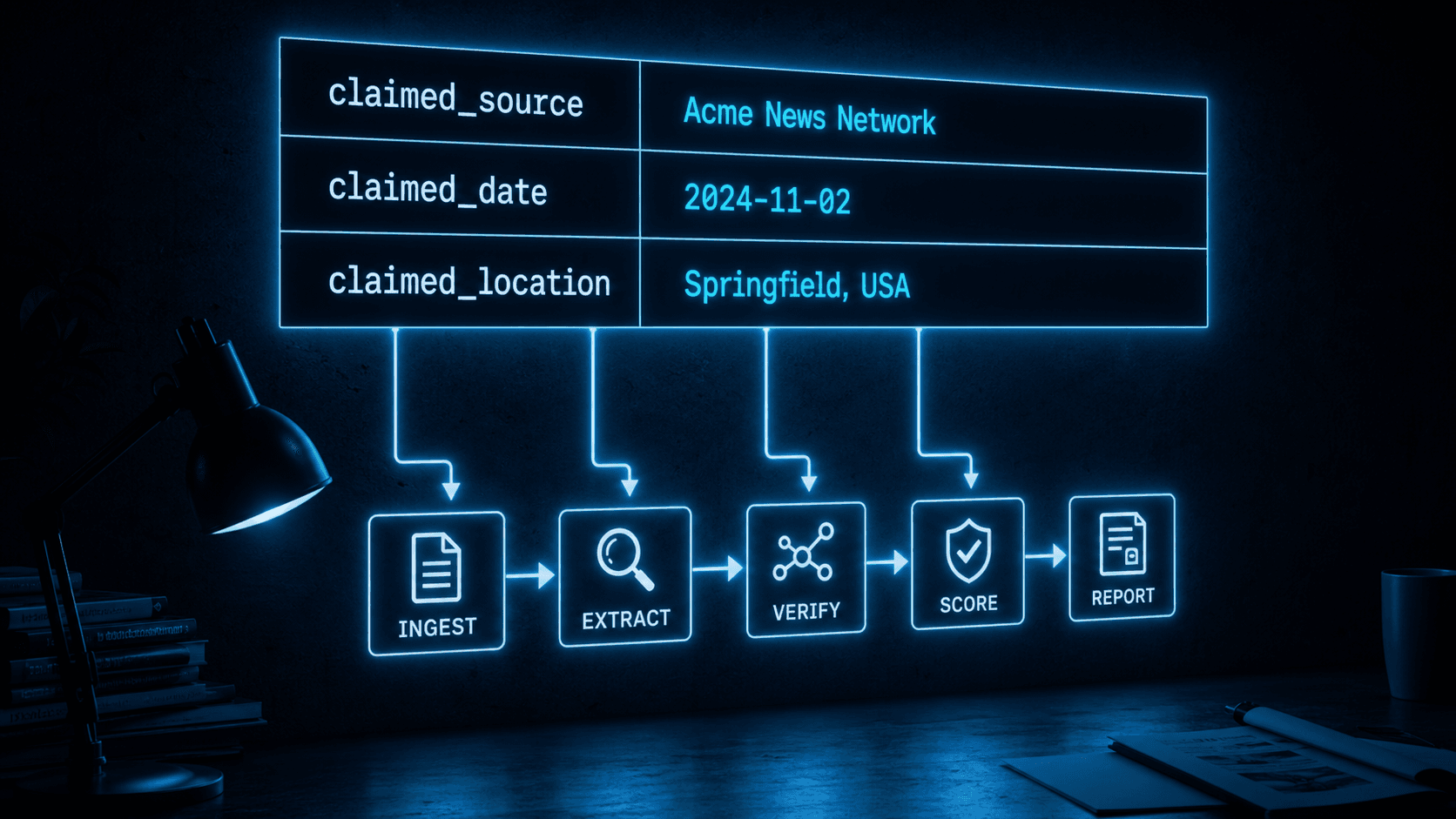
 AI generated
Verification pipelines are parameterized checks. They analyze files, but they also need to know what to check a file against. Was this image claimed to have been taken on a specific date? Is this audio recording supposed to come from a named organization? Does this document purport to cover a particular event? Without answers to questions like these, a verification pipeline can only produce generic observations — it cannot compare against a claimed ground truth.
Verification contexts are the mechanism that supplies that ground truth. A context is a named set of claims scoped to a project. You create as many contexts as you need on a project and populate them with the relevant claims before running a verification pipeline. When the pipeline runs, it reads those claims and checks the content against them.
Each verification context is a named set of simple key-value claims. The keys are freeform, but there are conventional names that appear across multiple pipeline definitions:
| Key | Typical content |
|---|---|
claimed_source | The organization or outlet the content is attributed to |
claimed_date | The date the content is claimed to have been produced |
claimed_location | Geographic location associated with the content |
claimed_topic | Subject matter or event the content is about |
claimed_author | Named individual attributed as creator |
original_language | Declared source language of the content |
Pipeline definitions specify which context fields they require and which are optional. If a required field is missing when you attempt to start a run, the platform rejects the request up front and tells you which fields are absent. This contract between pipeline and context is enforced before any analysis happens, so a run never has to fall back on guessing a missing value.
When you start a verification run, the platform reads the relevant context and locks it in for that run. Every stage in the pipeline checks content against this locked-in snapshot, not against whatever the live context happens to say at that moment.
This snapshot behavior is a deliberate design decision. It means that if you update a context after a run has started, the in-flight run is unaffected. It also means that you can revisit a verification weeks or months later and see the exact claims that were in effect at that run — which matters for audit trails and for understanding why a run produced the verdict it did.
The snapshot also serves as documentation. When reviewing a completed run in the platform UI, operators can expand the context to see the exact claims that the pipeline was checking against. There is no ambiguity about what the pipeline was working from at the time.
Consider a project set up to verify news articles. Before running the news article verification pipeline on a particular article, an operator creates (or updates) a context with:
{
  "claimed_source": "Reuters",
  "claimed_date": "2024-03-15",
  "claimed_topic": "EU Parliament vote on AI Act",
  "claimed_author": "Jane Smith"
}
The pipeline receives this context alongside the article text and a set of analytical instructions. It checks whether the publication date in the article matches claimed_date, whether the byline matches claimed_author, and whether the content is consistent with the claimed source's known style and coverage. Without these anchors the pipeline would have no baseline to compare against. With them it can produce a structured verdict that cites specific discrepancies.
The same project might accumulate dozens of articles, each with slightly different claimed metadata. Operators can maintain separate contexts per article or update a single reusable context before each run. Because context is locked in at run start, either approach leaves historical run results intact.
Contexts are managed at the project level: you can list, create, update, and remove them as your verification needs evolve, and there's an organization-wide view for operators who want to audit context coverage across every project at once.
Updates take effect immediately for any new run you start afterward — there's no publish step or version gate on the context itself, since the snapshot mechanism already handles isolating in-flight runs from later edits. That keeps the day-to-day workflow simple: set the claims you want to verify against, then start the run.
For the exact API reference on creating and managing verification contexts programmatically, see docs.crowdee.ai.