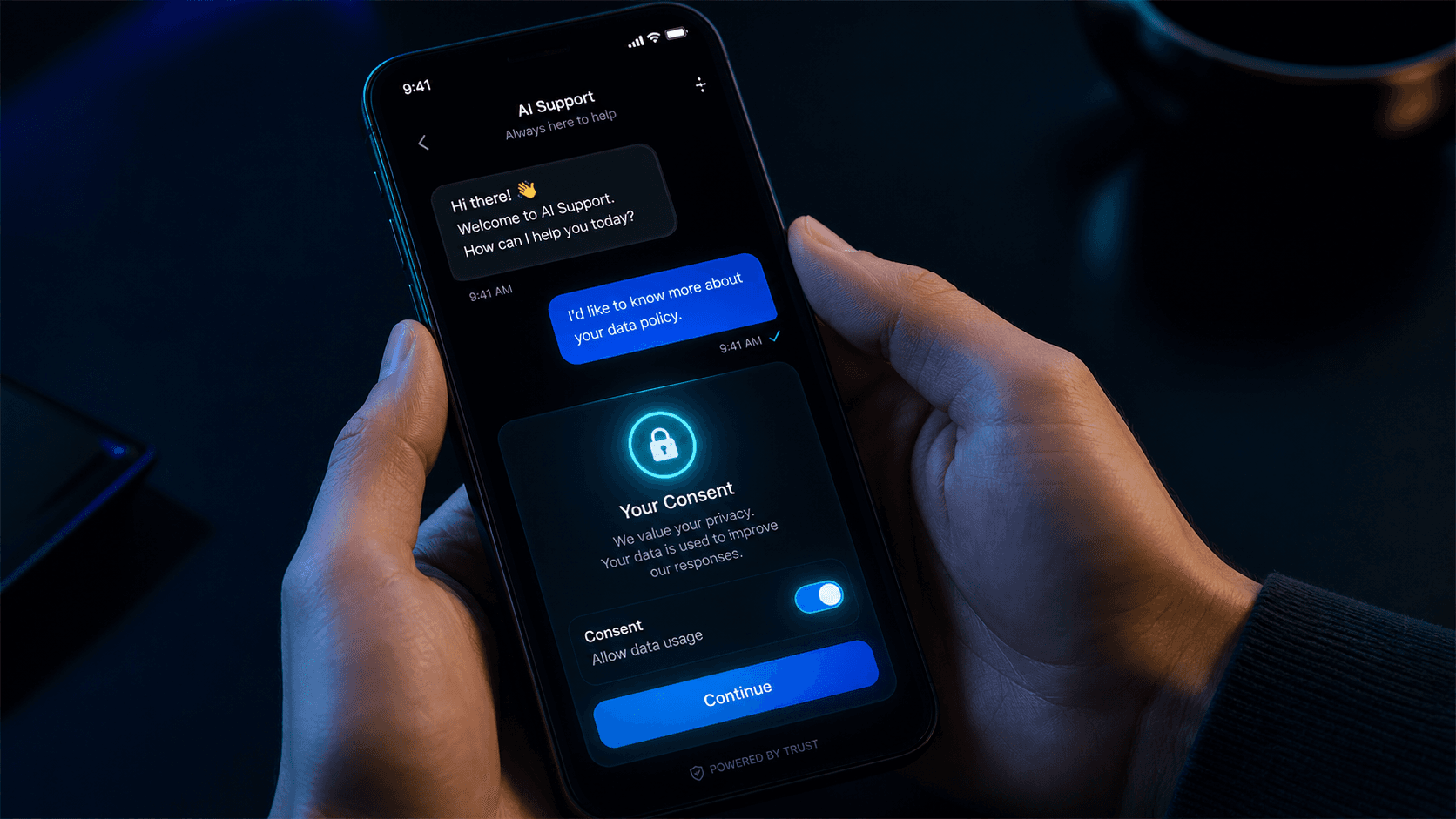
A chat widget backed by an external support system establishes a network connection to that system when it initializes. That connection sends the visitor's IP address, browser fingerprint, and potentially message content to third-party infrastructure. Under GDPR and similar regulations, loading such a widget without explicit consent is not permissible, even if the widget is purely functional in nature.
The straightforward fix — "just load it anyway and include it in the privacy policy" — is not good enough. The loading itself constitutes data transfer before consent has been given. Our approach is to keep the chat widget JavaScript entirely out of the page until the visitor explicitly accepts the relevant cookie category. No JavaScript is downloaded, no connection is established, and no data leaves the browser until that consent is given.
This is not just a compliance checkbox. It is also a performance benefit: the chat widget and its dependencies are not part of the initial page bundle, so first-load performance is unaffected by the chat widget.
The consent manager tracks which cookie categories the visitor has accepted. When the visitor accepts analytics or functional cookies, the consent manager updates its state and a dedicated loader component responds to that change by dynamically loading the chat widget only in the browser, never during server rendering.
Loading the widget this way means it never runs on the server and only initializes in the browser when it is explicitly triggered — in this case, by the consent state changing. Until that happens, there is no chat-related JavaScript on the page at all. Once loading completes, the chat widget initializes and becomes available to the visitor.
The theme state (light/dark mode preference) is managed separately from cookie consent. Dark and light mode preference is a purely local setting with no external data transfer, so it does not require consent. The two mechanisms are stored locally in the browser but are entirely independent from each other in terms of logic and timing.
Not every support request needs a live chat response. For requests that benefit from a tracked workflow — bug reports, account issues, billing questions — the ticket form is the right channel. It is always available, regardless of consent status, and does not require any third-party JavaScript.
Ticket submissions accept up to five file attachments per submission. Supported file types are images (JPEG, PNG, GIF, WebP), PDF, TXT, DOC, and DOCX, with a per-file size limit of 10 MB. The form asks for an email address, category, priority, subject, and description. Every ticket submission is gated behind hCaptcha to prevent spam.
Once submitted, a ticket is routed to the appropriate support team, triggers the relevant notifications, and its resolution status is tracked until the request is closed. Because that routing logic lives outside the homepage application itself, it can be adjusted without requiring a code change or redeploy.
Messages and ticket submissions from the homepage are securely relayed to our support system using authenticated, server-to-server requests — visitors never talk to that system directly, and requests that aren't properly authenticated are rejected before any support workflow runs. This prevents unauthorized parties from injecting messages into our support channels even if they were to discover the underlying endpoints.
Both the chat and ticket routes are also protected against abuse: requests are rate-limited per visitor, with tighter limits on ticket submissions since they are a lower-frequency operation. Visitors who exceed the limit simply see a temporary "please slow down" response rather than being able to flood the system.
Chat and tickets are not competing channels — they serve different interaction patterns. Chat is synchronous and conversational: it is the right choice for quick questions, product guidance, and anything where back-and-forth clarification helps. The ticket form is asynchronous and structured: it creates a trackable record, allows file attachments, and feeds into a support workflow that can involve multiple team members.
From a visitor's perspective, both channels are available from the same page. Chat appears once consent is given; the ticket form is always present. The design intention is that a visitor who doesn't want to accept cookies still has a fully functional support path available to them, with no degraded experience. We do not use consent status as a lever to push visitors toward accepting cookies — the ticket path works equally well without them.
Share this article: