The cleaning pipelines catalog is a registry of the data transformation operations you can apply to a dataset version. You can browse it directly in the platform to see every available pipeline, including what modalities it supports, a human-readable description, and any configuration options you can supply when you run it.
The catalog is curated centrally, so the operations you see listed are always the ones actually available to run — there's no separate management step required to keep it in sync. New cleaning operations are added over time as we identify common data-quality problems worth automating.
Running a pipeline against a dataset version only requires picking it from the catalog and confirming. Behind the scenes, the platform checks that the operation is compatible with your dataset's modality, then creates a new derived version and processes it. The workflow is intentionally simple from the user's side: choose a pipeline, get a new cleaned version back.
For the exact API shape if you're integrating programmatically, see the reference at docs.crowdee.ai.
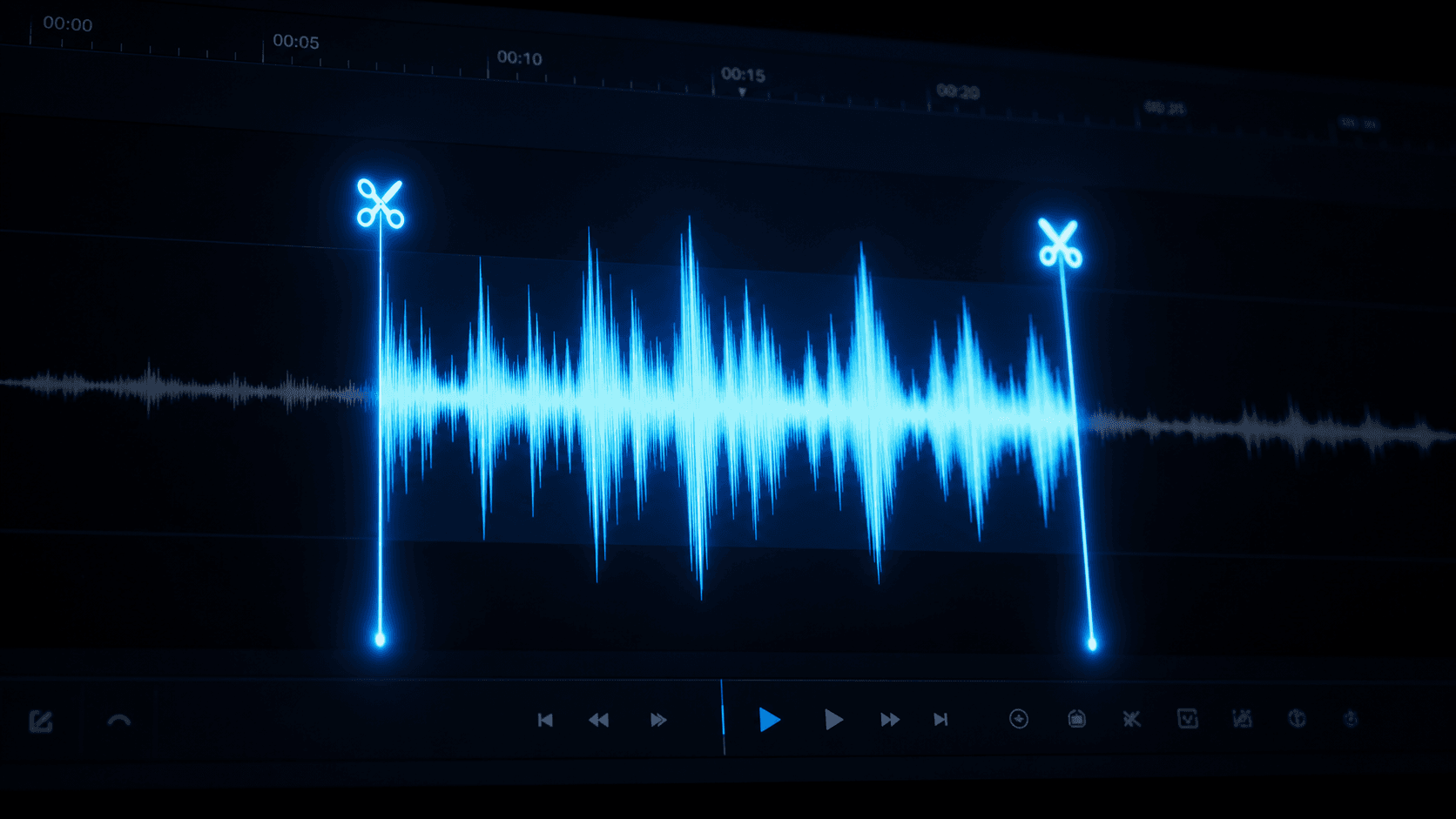
Audio silence trimming is the canonical example of a cleaning operation. It processes each audio file in the source version by detecting and removing leading and trailing silence. "Silence" is judged against a configurable amplitude threshold; audio below that threshold at the start or end of the file is stripped. The resulting file is shorter but contains the same meaningful content.
Why does this matter for downstream tasks? Many audio datasets collected in real-world conditions contain recording artifacts: a few seconds of ambient noise before the speaker begins, a trailing period after they finish. These artifacts can confuse transcription, inflate duration metrics used in verification, and introduce inconsistencies in audio-level analysis during enrichment. Trimming before enrichment and verification improves the accuracy of every subsequent stage.
Trimming never touches the original file. The source audio remains exactly as uploaded in the raw version, while the trimmed copy is stored separately as part of the new, cleaned version. That separation is the whole point: you can always get back to what you started with.
Every file in a cleaned version keeps a link back to the corresponding file in its parent (raw) version. This is how we answer provenance questions: "This audio file is 38 seconds long — what was the original before trimming?"
The linkage is one-to-one: each cleaned file traces back to exactly one source file. For operations that determine a file needs no changes, the cleaned version may simply reference the original rather than duplicating it — the provenance link still records that relationship. For operations that could split one input into multiple outputs (not the case for audio silence trimming today, but supported by the underlying model), each output would trace back to the same single input.
Because a cleaned version links to its parent version, and each file links to its predecessor, you can always reconstruct the full history of a file — from raw upload through every cleaning step applied to it. That history is visible wherever you inspect a dataset version's files in the platform.
The three-step pipeline of clean → enrich → verify is the standard path for production-quality verification on audio and video datasets. Cleaning normalizes the files so that enrichment operates on consistent, artifact-free content. Enrichment extracts metadata (codec, duration, signal characteristics) that verification relies on as context. Verification then applies multi-stage AI and crowd review against that enriched, cleaned baseline.
Each step produces a new, immutable artifact: a cleaned version, then enrichment metadata attached to that version's files, then a verification run with a verdict and scorecard. None of these steps overwrite each other. If you need to re-run verification with different settings, you start a new verification run against the same enriched version. If you need to apply a different cleaning strategy, you start a new cleaning operation against the raw version, producing a parallel cleaned version alongside the first.
Because every stage is additive rather than destructive, teams can experiment freely — try a different cleaning approach, compare results, and always fall back to the raw source — without ever losing data.
The cleaning pipelines catalog is designed to grow. When we identify a new, generally useful transformation — image resizing, document de-identification, text normalization, duplicate file detection — we add it as a new pipeline that fits the same model: it reads a source version, applies one well-defined transformation, and writes a derived version.
That consistency is what keeps the catalog easy to reason about even as it expands: no matter which pipeline you pick, running it always means "read from one version, produce a new one," never an in-place edit. If you're building against the API and want to add or invoke pipelines programmatically, the full reference is available at docs.crowdee.ai.
Share this article: